
Apple Pay with Beyon Money Card in Bahrain

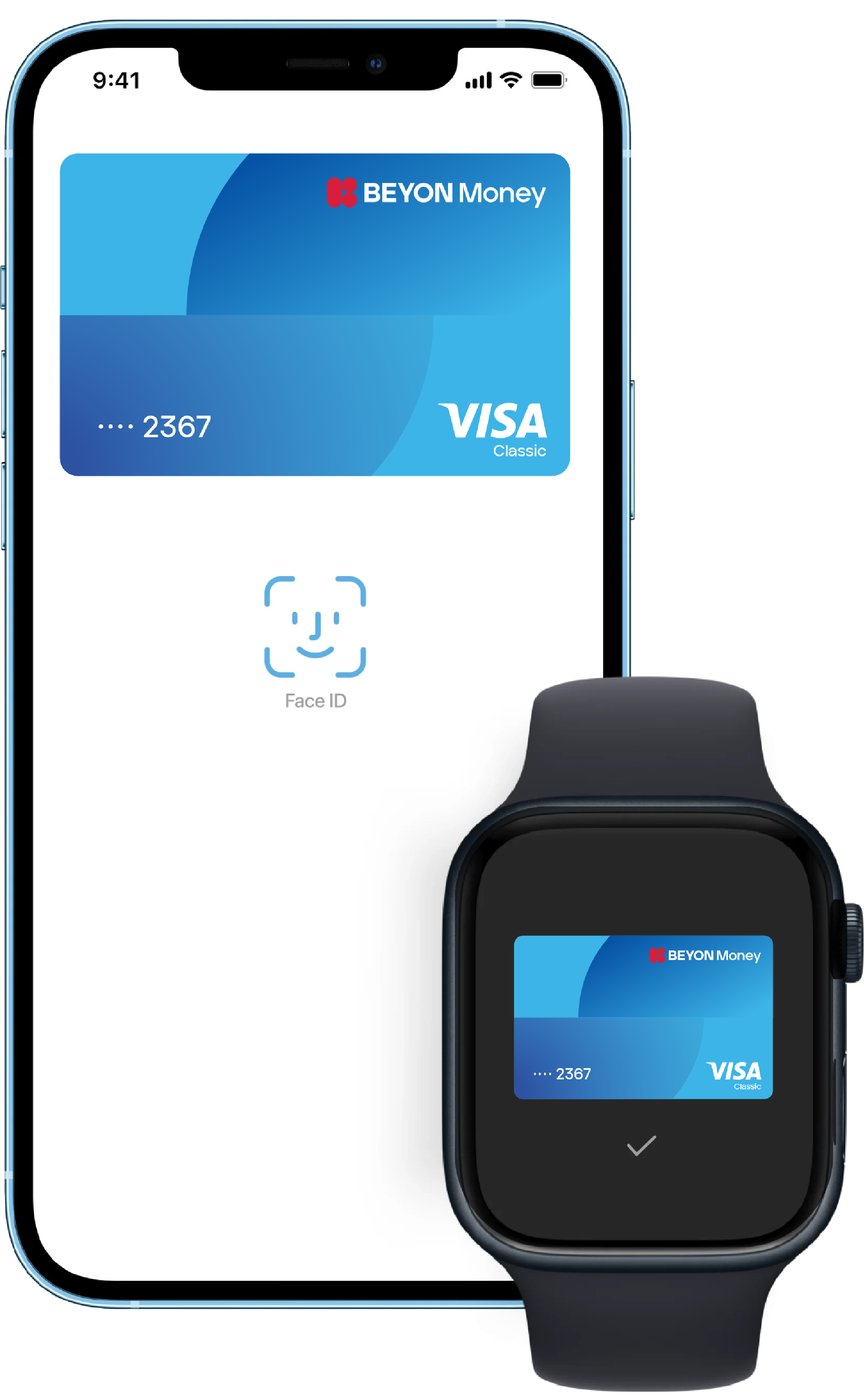
Easier. Faster. Safer.
Beyon Money card now on Apple Pay.

Keep your purchases private and secure with Apple Pay, while enjoying all the benefits of your Beyon Money card. Available on your everyday devices; iPhone, Apple Watch, iPad, and Mac.*

Pay faster than using cards or cash; in stores, apps, and millions of websites.

List of compatible Apple Pay devices can be found here.
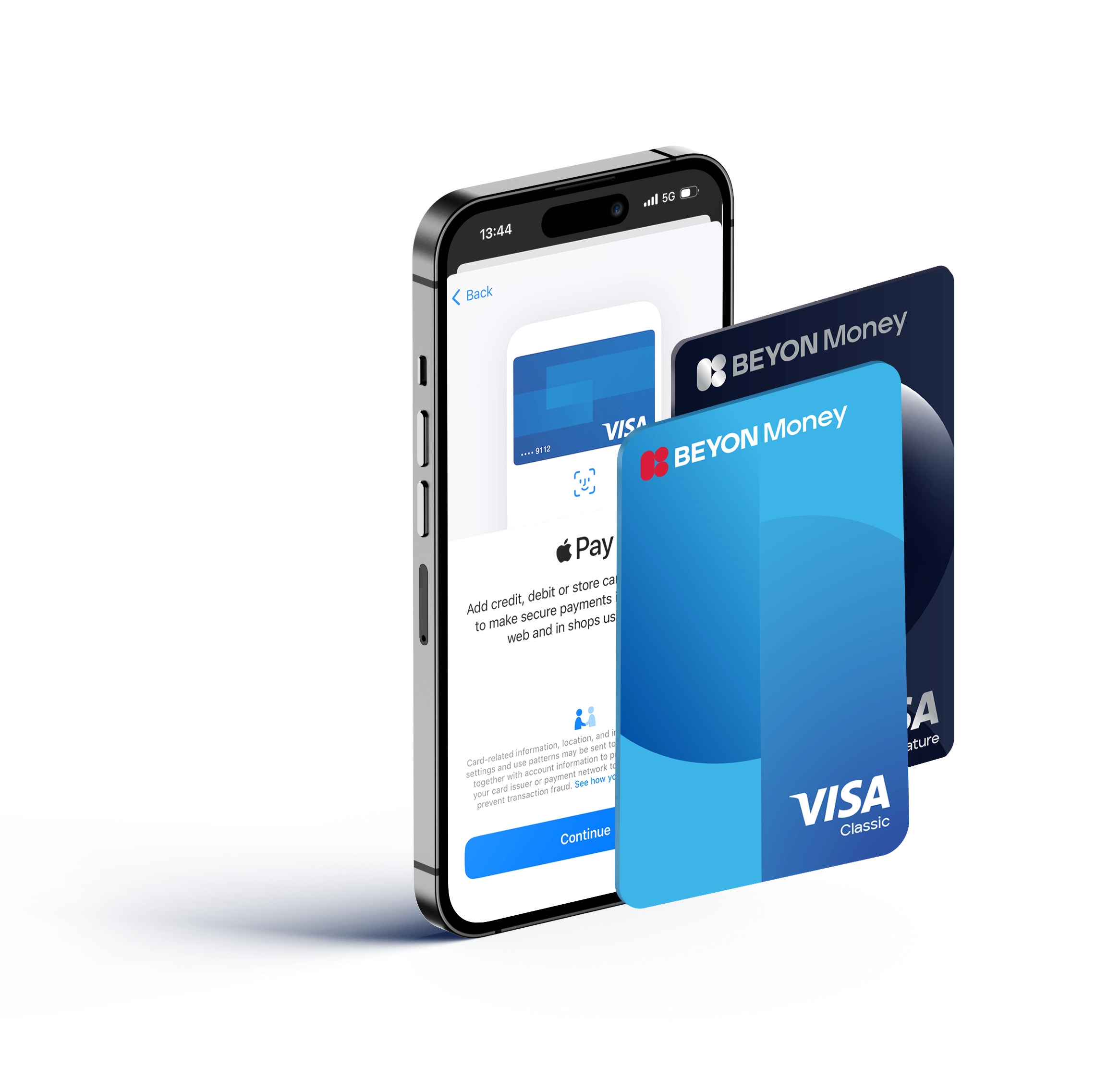
How to add your Beyon Money
card to Apple Pay
Get started with Apple Pay.

Beyon Money app
- In the Beyon Money app, tap the Add to Apple Wallet button
- Review the card details on the screen, then tap Add Card
iPhone
- In the Wallet app, tap the Add button.
- Tap Debit or Credit Card.
- Tap Continue.
- Follow the steps on the screen to add a new card, by either.
- Scanning your Beyon Money physical card
- Entering your Beyon Money card details manually
- Verify your card with the OTP sent to your device.

Apple Watch
- On your Apple Watch, open the Wallet app.
- Scroll down and tap Add Card.
- Tap Debit or Credit Card.
- Tap continue.
- Follow the steps on the screen to enter your card information and add your Beyon Money card.
How to Pay with Apple Pay
Privacy and security built in.
Where to pay
You can pay with Apple Pay wherever you see one of these symbols
