

Click to Pay with your Beyon Money Card
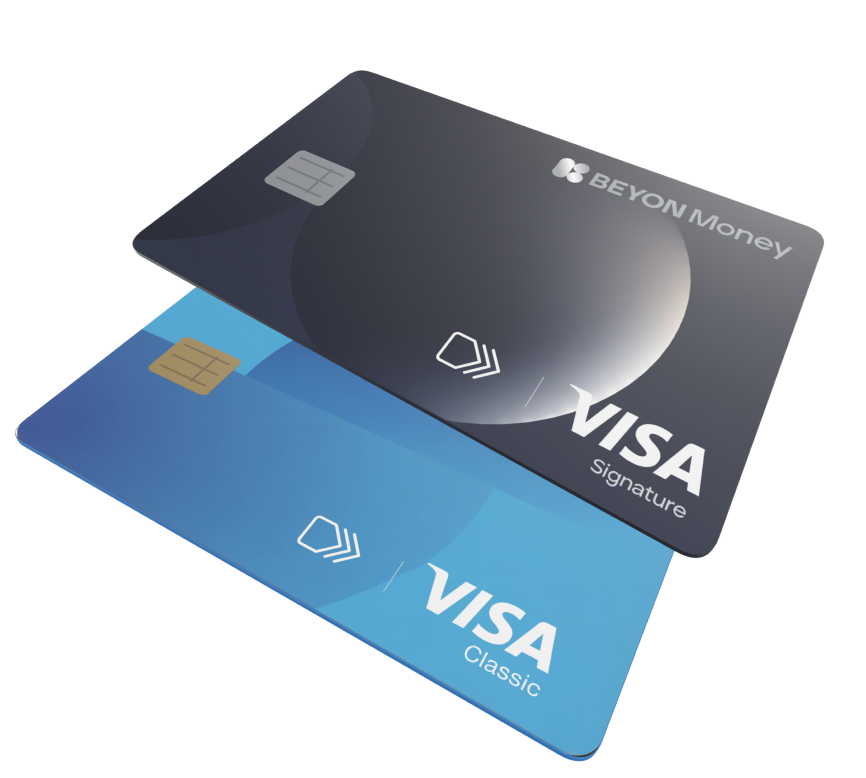
Enjoy quick, secure, and hassle-free online shopping with Click to Pay and your Beyon Money Card. Check out faster without entering your card details each time.
Security first
Every transaction is tokenised, verified and authenticated before it can be used. That means only you can unlock and pay with your card by verifying it’s you. Every time.
Benefits
Faster online checkout
Complete your purchases quickly with a simplified checkout experience.
Steps on how to use Click to Pay
An easier, safer way to check out online without manually typing your card credentials.
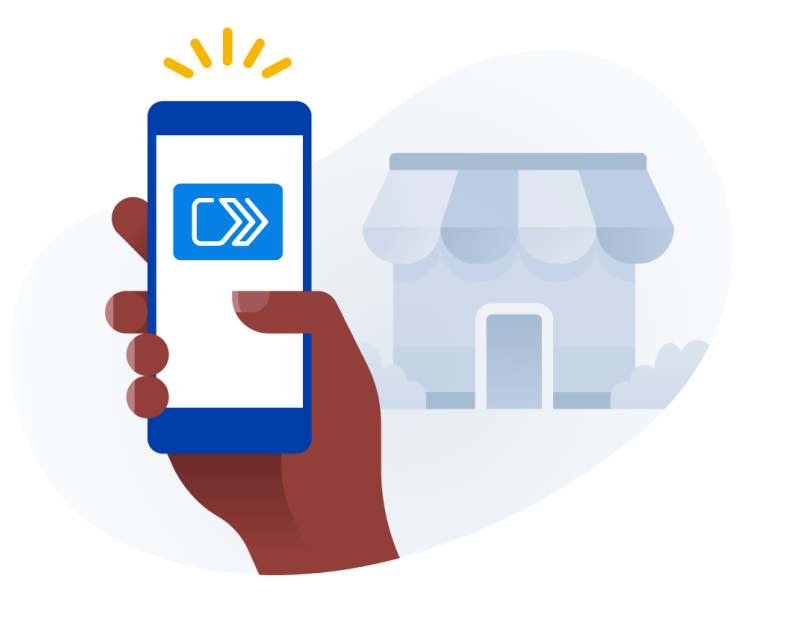
Look for the Click to Pay icon
When checking out at participating online merchants, look for the Click to Pay symbol.
Enter your mobile number
Enter the mobile number associated with your Beyon Money account.
Verify your identity
Enter the OTP sent to your mobile number.
Select your card
Select your Beyon Money card.
Complete your purchase
Simply complete your payment without re-entering your card number or billing information.